
Brand Protection and Takedowns
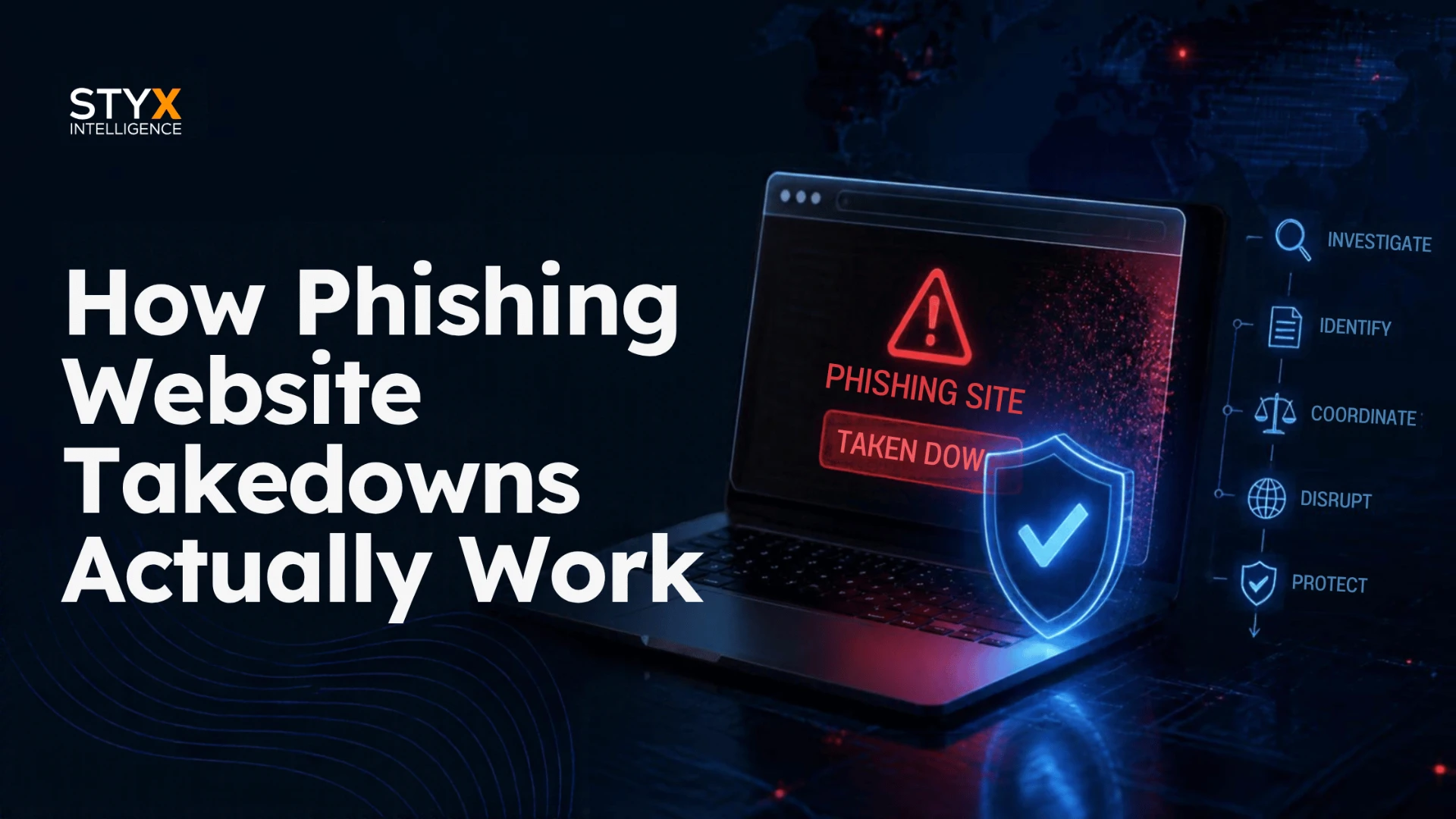
How Phishing Website Takedowns Actually Work
Meredith Gray · · 9 min read
Key Takeaways
- A phishing site comes down only when the hosting provider, registrar or registry acts. Browser blocklists warn visitors but remove nothing.
- Report to the host and the registrar at the same time. Whichever acts first takes the site down.
- Whether the attacker registered the domain or compromised a legitimate one decides whether suspension is safe. Interisle found 77% of phishing domains were registered by attackers.
- A 2025 study of 286,237 phishing URLs found a median lifespan of 5.46 hours and an average of 54 hours, so the speed of your first complete report matters more than anything after it.
- Since April 2024, ICANN-contracted registrars must promptly act on actionable DNS abuse evidence, but ICANN sets no fixed deadline and the rules do not cover country-code domains.
Summarize this article with:ChatGPTGeminiPerplexityClaudeGrok
The Anti-Phishing Working Group counted 1,069,681 unique phishing sites in the second quarter of 2026. Each one stayed online until someone with control over it took action.
A phishing website takedown works only when the right party acts: the hosting provider that serves the site's content, the registrar or registry that manages its domain, or, for sites behind a proxy, the provider that can point you to the real host. Browser blocklists such as Google Safe Browsing and Microsoft SmartScreen warn visitors, but they don't remove anything.
Two things decide how fast a phishing site comes down: whether you report to a party that can actually act, and whether the attacker registered the domain or compromised a legitimate one. This guide covers who holds the off switch, what evidence each party needs, how long takedowns take according to independent research, and what to do while the site is still live.
What a phishing website takedown removes (and what it doesn't)
"Takedown" gets used for three different outcomes. They are not interchangeable.
- Content removal. The hosting provider deletes or disables the phishing pages. The domain may still resolve, but there is nothing left to load.
- Domain suspension. The registrar or registry places the domain on hold, so it stops resolving everywhere. Any email on that domain stops working too.
- Blocklisting. Browsers and security tools warn or block visitors. The site stays online for anyone whose browser or tool has not picked up the listing.
A complete response usually uses all three, because each covers a gap the others leave. For the broader picture across fake accounts, apps and domains, see what a takedown is.
Who can take a phishing site offline
Five parties can act on a phishing site. Three of them can take it offline directly.
| Party | What it can do | What it cannot do | What to send |
|---|---|---|---|
| Hosting provider | Remove or disable the phishing content on its servers | Suspend the domain, or touch content hosted elsewhere | Full URL, screenshot, the brand being impersonated |
| Registrar | Suspend or lock the domain, or require the registrant to fix it | Remove a single page without taking down the whole domain | Full URL in defanged form, screenshot, what is being phished |
| Registry operator (runs the top-level domain) | Refer the domain to its registrar, or act directly by suspending or redirecting it | Act on individual pages; it works at the domain level only | The same evidence, plus your unanswered registrar report |
| CDN or reverse proxy, such as Cloudflare | Forward your report to the host and site operator and give the host the origin IP; remove content only if it hosts it | Remove content stored on someone else's servers | The same evidence, through the provider's abuse form |
| Browser blocklists (Google Safe Browsing, Microsoft SmartScreen) | Warn or block visitors in browsers that use the list | Take the site offline | The URL, through each provider's report form |
The proxy row deserves a closer look. Cloudflare states that for sites using its pass-through services, it forwards complaints to the website operator and the hosting provider and gives the host the origin IP address, because it "cannot remove content from the Internet that we do not host."
What registrars are now required to do
Since April 5, 2024, registrars and registries under contract with ICANN have had an explicit duty to act. When a registrar has actionable evidence that a domain is being used for DNS abuse, which ICANN defines to include phishing, it "must promptly take the appropriate mitigation action(s) that are reasonably necessary to stop, or otherwise disrupt" that use (ICANN advisory).
Two limits matter. ICANN sets no fixed deadline and judges "promptly" case by case. And the rules cover generic top-level domains such as .com, .xyz and .top. ICANN states it has no contractual authority over country-code domains such as .us or .eu, which follow each country-code manager's own policies.
Attacker-registered vs. compromised: why it changes the playbook
Registrars and registries act on whole domains, not pages. That makes the domain's origin the first thing to establish.
- Attacker-registered domain (for example, yourbrand-login[.]com). The registrar can suspend it with no collateral damage. Report to the registrar and the host in parallel.
- Compromised legitimate site (for example, a hacked small-business site with a phishing kit buried in a subfolder). Suspending the domain would take down a real business. ICANN's guidance notes that suspension "will cut off access to all legitimate content as well as render any associated email and other services with the domain inaccessible." Report to the host and, where you can reach them, the site owner.
Most phishing domains fall into the first group. Interisle's Phishing Landscape 2025 study found that 77% of phishing domains between May 2024 and April 2025 were registered by attackers. A separate study of 690,502 phishing domains by researchers at the University of Tennessee, CAIDA and the University of Twente classified 66.1% as maliciously registered. Many of those are lookalike domains built through typosquatting.
The phishing takedown process, step by step
- Capture evidence before you report. Take a screenshot that shows what the page impersonates, record the complete URL in defanged form (example[.]com/login), and note the date and time. ICANN asks reporters for a screenshot and the complete URL, and the UK's National Cyber Security Centre adds a timestamp (NCSC takedown guidance). Phishing pages change, so capture first.
- Identify the infrastructure. Look up the domain's registrar with an RDAP (Registration Data Access Protocol) or WHOIS lookup, then resolve the domain to an IP address to find the host. If the IP belongs to a proxy or CDN, the real host is hidden and the proxy becomes your first report.
- Report to the host and the registrar at the same time. Use each provider's abuse form or abuse contact. Whichever acts first takes the site down. NCSC recommends contacting both.
- Submit the URL to browser blocklists. Use the Google Safe Browsing report form. For Microsoft SmartScreen, open the site in Edge and select Settings and more, then Help and feedback, then Report unsafe website. This protects visitors while the takedown is pending.
- Escalate when nothing happens. For generic top-level domains, go to the registry operator with your unanswered registrar report. If an ICANN-accredited registrar does not act, ICANN Contractual Compliance accepts complaints. For country-code domains, contact the country-code manager.
- Confirm the outage, then keep watching. Check the URL from more than one network before you close the case. Then watch for the same kit reappearing on new domains with ongoing brand monitoring.
Steps 3 and 4 run at the same time. Waiting on one party before contacting the next adds delay you can avoid.
How long phishing takedowns take: what the data says
The honest answer is anywhere from hours to weeks. NCSC puts it plainly: takedown requests "could take anything between hours to days or even weeks," and some providers may ignore them.
Independent research shows why the range is so wide:
- Most phishing sites die fast. Some don't. A study presented at the ACM Web Conference 2025 analyzed 286,237 phishing URLs and found a median lifespan of 5.46 hours, but an average of 54 hours. A long tail of sites survives for days.
- Blocklists miss most of them. The same study found Google Safe Browsing detected only 18.4% of the phishing sites it tracked.
- Evasive sites last much longer. Sites that changed their appearance more than 100 times had a median lifespan of 17 days.
- Blocklisting is not removal. The University of Tennessee, CAIDA and University of Twente study found phishing domains stayed accessible for an average of 11.5 days after detection.
The takeaway: the damage window is the first few hours, and half the sites in the 2025 study were gone within about five and a half hours. The speed of your first, complete report matters more than anything that follows, which is the same reason speed decides the cost of an impersonation attack.
See what attackers can find about you
Get a free report on your organization's external exposure: lookalike domains, impersonation accounts, spoofed sites and leaked data.
Get your Free Dark Web ReportWhy some phishing sites stay up
When a takedown stalls, the cause is usually one of these:
- The report was not actionable. It was missing the full URL, a screenshot, or what the page impersonates.
- It went to the wrong party. A registrar was asked to remove one page on a compromised site, or a proxy was asked to delete content it does not host.
- The domain is compromised, not malicious. Suspension would take down a legitimate business, so the registrar refers it to the host or does nothing.
- The domain sits outside ICANN contracts. Country-code domains follow each manager's own policies, so the path to action differs by country.
- The provider does not respond. NCSC notes that some providers may ignore takedown requests.
- The attacker has more domains ready. Interisle found 37% of phishing domains were acquired through high-volume bulk registration offerings. Removing one site does not remove the next.
What to do while the site is still live
A pending takedown is not a reason to wait. Reduce exposure in parallel:
- Get the URL onto blocklists using the forms in step 4.
- Block the domain internally in your DNS filtering, web gateway and email security tools, so employees cannot reach it.
- Warn customers and frontline teams. Give support staff a short description of the scam and a clear reporting channel. NCSC recommends having an abuse reporting mechanism for customers before incidents happen.
- Contain credential exposure. If you know of users who entered credentials, reset them and watch for account takeover.
When manual phishing takedowns stop scaling
Filing takedowns by hand works at low volume. It breaks down when:
- You file more reports than your team can follow up on.
- Phishing sites go live outside working hours, and the first report waits until morning.
- You have no working contacts at the hosts and registrars attackers favor.
- The same kit keeps reappearing on new domains.
NCSC suggests judging outside help on established relationships with hosting providers, proactive discovery of attacks, speed and scalability, track record, and specialization.
Styx Intelligence is an AI-powered, analyst-backed platform. It detects phishing sites targeting your brand, files and escalates takedown requests with registrars, hosting providers and platforms, and tracks every request in one place. See how Styx handles phishing takedowns.
Frequently asked questions
How do I take down a phishing site targeting my brand?
Capture evidence first: a screenshot, the full URL and a timestamp. Find the registrar with an RDAP or WHOIS lookup and the host from the site's IP address. Report to both at the same time, submit the URL to Google Safe Browsing and Microsoft SmartScreen, escalate to the registry operator if the registrar does not act, and monitor for the site reappearing on new domains.
How long does a phishing website takedown take?
From hours to weeks. A 2025 study of 286,237 phishing URLs found a median lifespan of 5.46 hours and an average of 54 hours. Response time depends on who you report to, the quality of your evidence, and whether the domain was registered by the attacker or compromised.
Does reporting a phishing site to Google take it down?
No. Google Safe Browsing warns or blocks visitors in browsers that use its list, but the site stays online. Only the hosting provider, registrar or registry can take it offline.
What if the phishing site is behind Cloudflare?
Report it to Cloudflare. For sites it proxies but does not host, Cloudflare forwards your complaint to the site operator and hosting provider and gives the host the origin IP address so it can act.
Protect your leaders with Styx Intelligence
Talk to UsRelated articles
AI Impersonation Attacks: How Attackers Clone Brands and Executives, and How to Respond
AI impersonation uses deepfake video, cloned voices, fake profiles, and spoofed websites to pose as trusted people and brands. Here is how it works and how security teams respond.
Sep 21, 2026 · 6 min read
What Is Smishing? How to Spot a Scam Text in 2026
What is Smishing? Smishing is phishing by text message. The word combines “SMS” and “phishing.” The goal is the same as email phishing: get you to tap a link, hand over information, or send money. Attackers usually prete
May 28, 2026 · 9 min read
What Is Typosquatting?
Typosquatting is the practice of registering domain names that look almost identical to a real brand’s. That could mean a swapped letter, a missing character, a different top-level extension, or a character from another
May 20, 2026 · 7 min read